Shelve.
A sunlit shelf for your PDFs.
Add a PDF or EPUB and it stands on a wooden shelf, lit by a desk lamp at night and by daylight in the morning. Name your shelves, search inside any book, and pick up right where you left off.
From the makers of TESORIN


Apricity a·pri·ci·ty · noun The warmth of the sun on a winter’s day.
Some of the best reading happens late, when the house has gone quiet and a single lamp makes a small warm room inside the larger dark one. Apricity is built around that feeling: a reading room for the PDFs and EPUBs you already have, and a desk for the notes you make from them.

For reading
Shelve.
Add a PDF or EPUB and it stands on a wooden shelf, lit by a desk lamp at night and by daylight in the morning. Name your shelves, search inside any book, and pick up right where you left off.
Read.
Original shows the page exactly as it was published, recoloured for the light you read by. Reflow sets the words like a book, in the type, size and spacing you choose. Scanned PDFs are read with on-device text recognition.
Mark up.
Highlight a paragraph, circle a figure, answer the questions on a worksheet. Your writing is kept beside the file, never inside it, so the PDF stays exactly as it was.
Listen.
Read Aloud lights up the words as they’re read and keeps going with the screen locked, with a sleep timer for bed. Choose Apple’s voices, or Kokoro: 54 natural voices in eight languages, each with a face, that run entirely on your device. In the car, CarPlay reads on from where you left off.

For writing
Write.
Every book gets its own notebook, and MySpace keeps the rest. Write with Apple Pencil or a finger and pinch in close; the page stays sharp. Choose from 69 kinds of paper, from Cornell notes to music staff, or bring in a PDF to write on.
Record.
Record the lecture as you write, then tap anything you wrote to hear what was being said right then. With Premium, a recording becomes a transcript, made on your device.
Review.
Smart Notes gives you a summary of a notebook, a quick quiz on it, or answers to your questions about it. They’re made on your device with Apple Intelligence, so your notes never leave it.
Settle in.
Furnish the room in one tap with a theme, from Misty Lake to Rose Cottage, or choose from 16 wallpapers, 13 woods and seven lamps. Then light the fire, start the focus timer, and give your study your full attention.

One quiet room, on every device
Apricity runs on iPhone and iPad, and on a Mac with Apple silicon as its iPad app. With iCloud sync, your notebooks, notes, highlights, Markup and recordings follow you through your own private iCloud. Your books stay on each device.
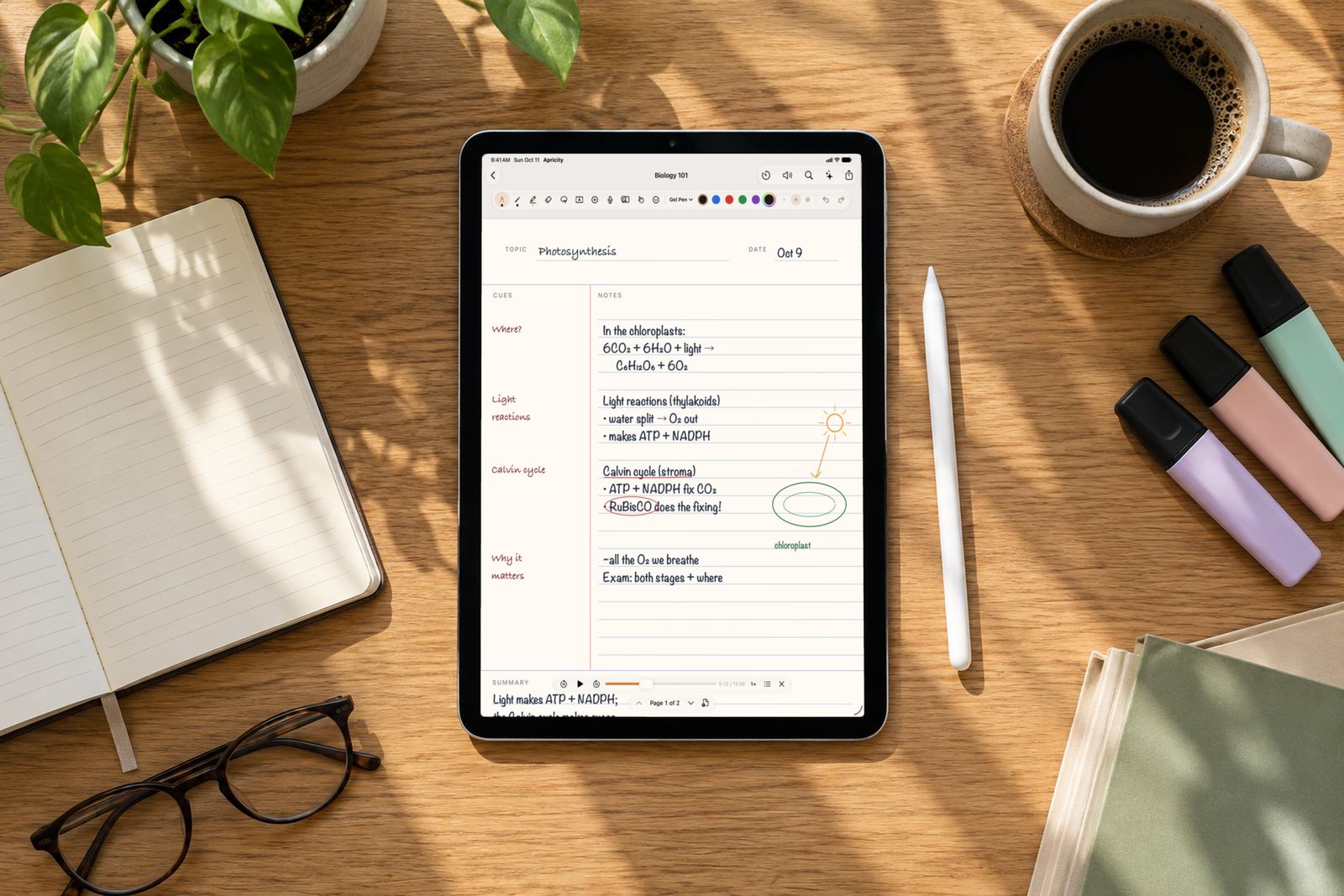
Write beside the lecture, then tap a line to hear it again the night before the exam.
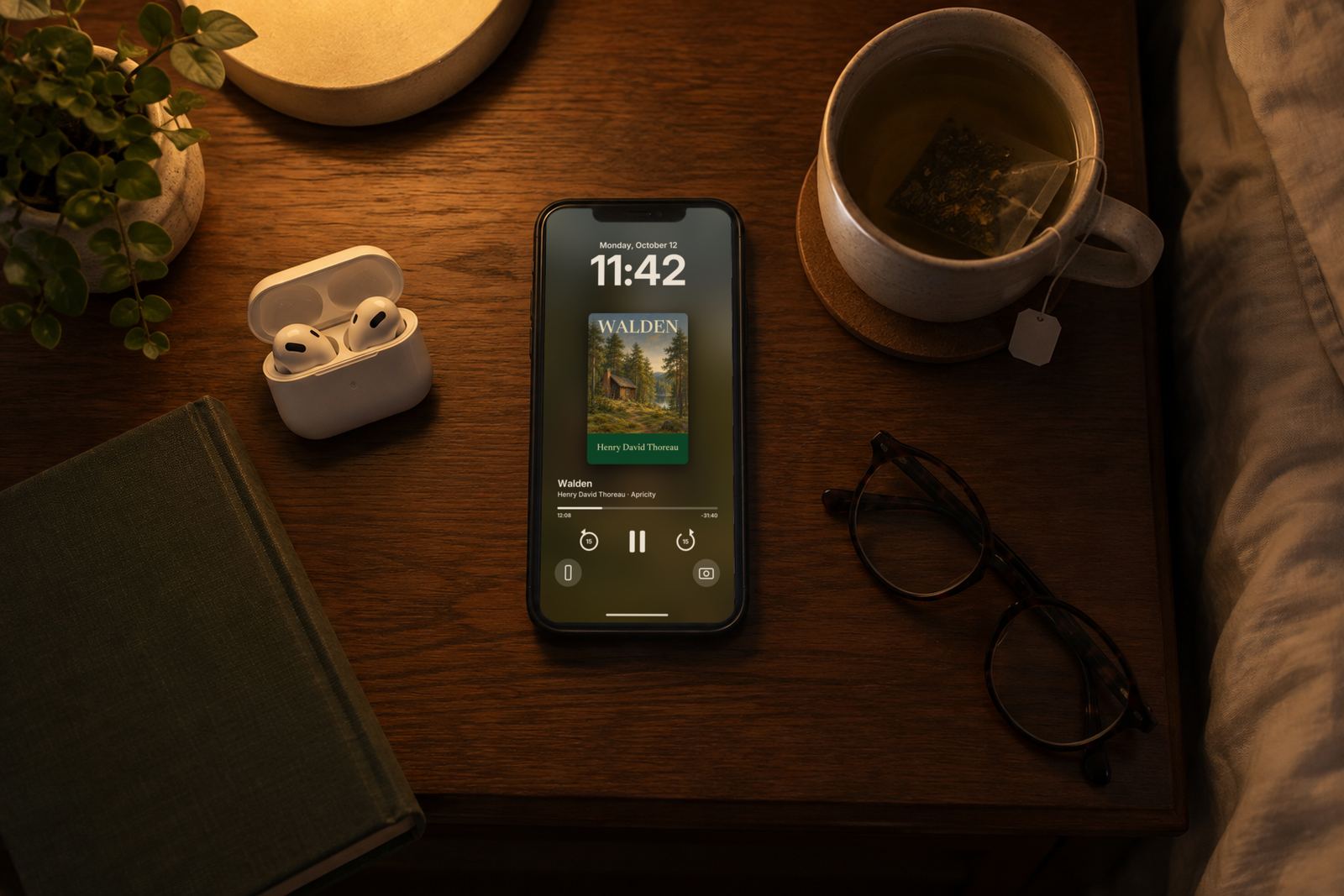
A soft night page that won’t wake anyone, or a voice that reads on with the screen locked.
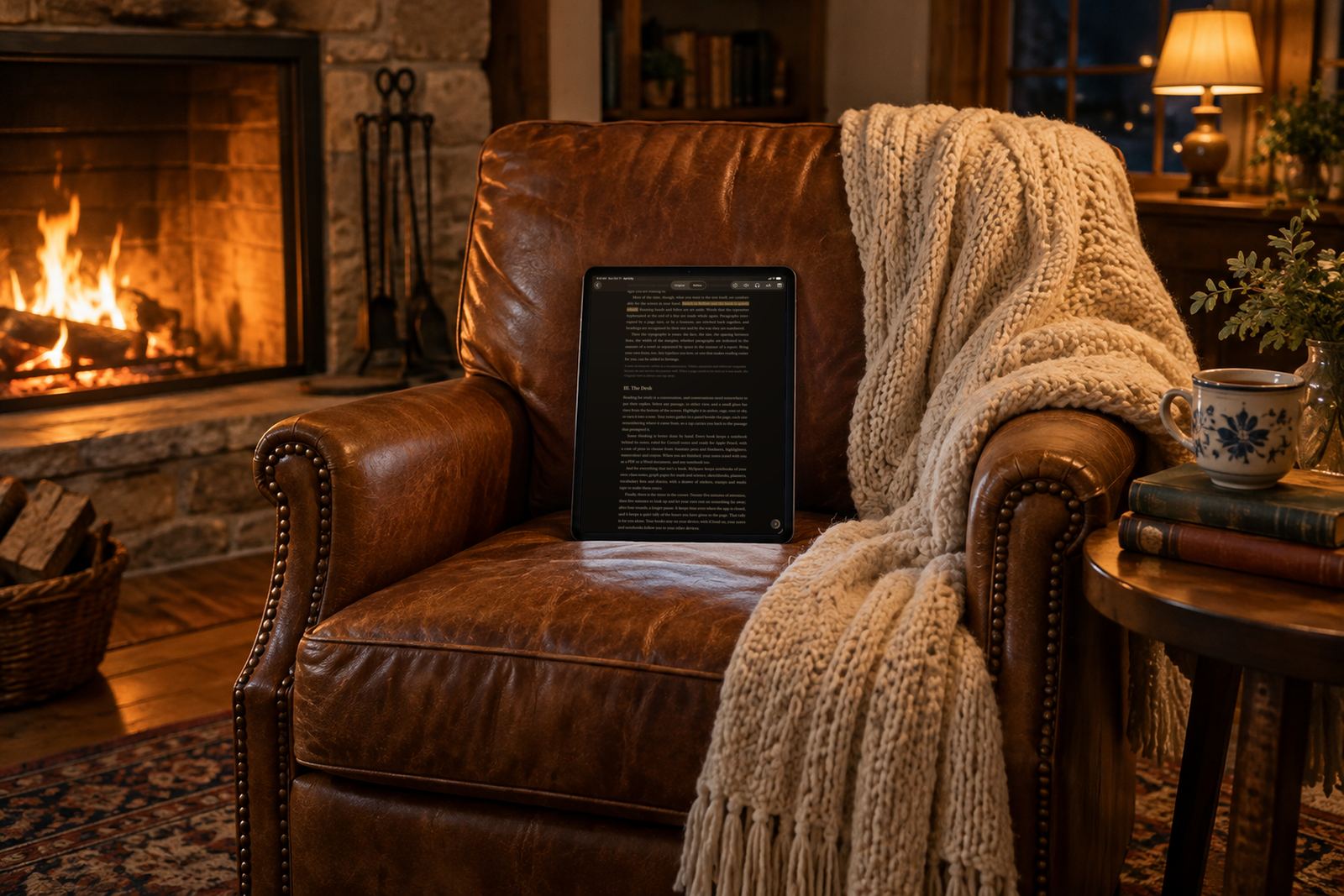
A crackling grate, a bright forest morning or rain on the roof, all made on the device.
Your books stay with you
Your books, notes, notebooks and recordings live on your iPhone or iPad. We never see them.
Sync travels through your private iCloud, where only you can see it, and you can turn it off in Settings.
Reading, notes, notebooks, sounds and the focus timer all work offline. The Privacy Policy has the details.
Read and take notes. Keep it free.
Everything in Free, plus listening and more.
Prices shown in USD. Final price appears in your App Store. Apricity Premium is an auto-renewing yearly subscription: it renews unless cancelled at least 24 hours before the end of the current period, and you can manage or cancel it in your Apple Account settings. When Premium ends, nothing you made is deleted. Terms of Use
Tap + on the shelf and choose a PDF or EPUB from Files, drag one in from another app, or use Share → Apricity from wherever the book is. Apricity keeps its own copy, so the original can stay where it is. Books protected with DRM by the store they came from, and password-protected PDFs, can’t be opened.
No account, ever. Reading, notes, notebooks, soundscapes and the focus timer all work offline. The internet is used for iCloud sync when it’s on, for the App Store and checking Premium, and to download the Kokoro voice if you choose to.
Turn it on or off in Apricity’s Settings → iCloud. Your shelves, highlights, notes, notebooks and reading places sync through your own iCloud to your other devices on the same Apple Account. Your PDFs and EPUBs stay on each device: add the same file on another device and its highlights and notes are there waiting.
In Apricity, open Settings and use Manage Subscription or Request a Refund under Apricity Premium. You can also cancel in your device’s Settings → your name → Subscriptions. Deleting the app doesn’t cancel a subscription.
Apricity is free to download, with 14 days of Premium on us.


